Comparison
Partitioning vs bucketing vs clustering: which data layout should you use?
Partitioning, bucketing and clustering compared: what each does, when it speeds up queries, the traps, and what Databricks, Snowflake, BigQuery and Spark support today, including Databricks' guidance to skip partitioning under 1 TB.

Hemant Walchale
· 3 min read
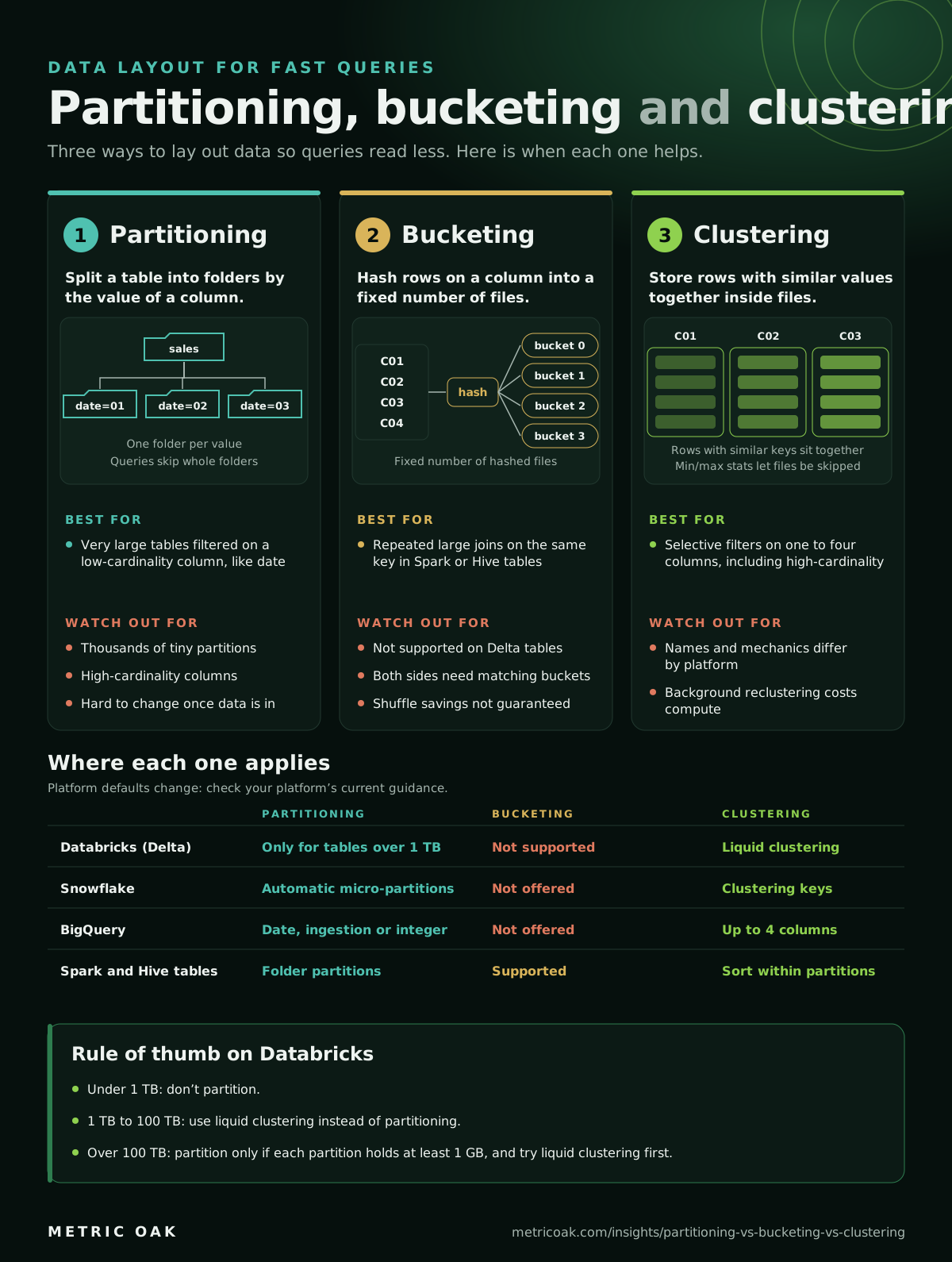
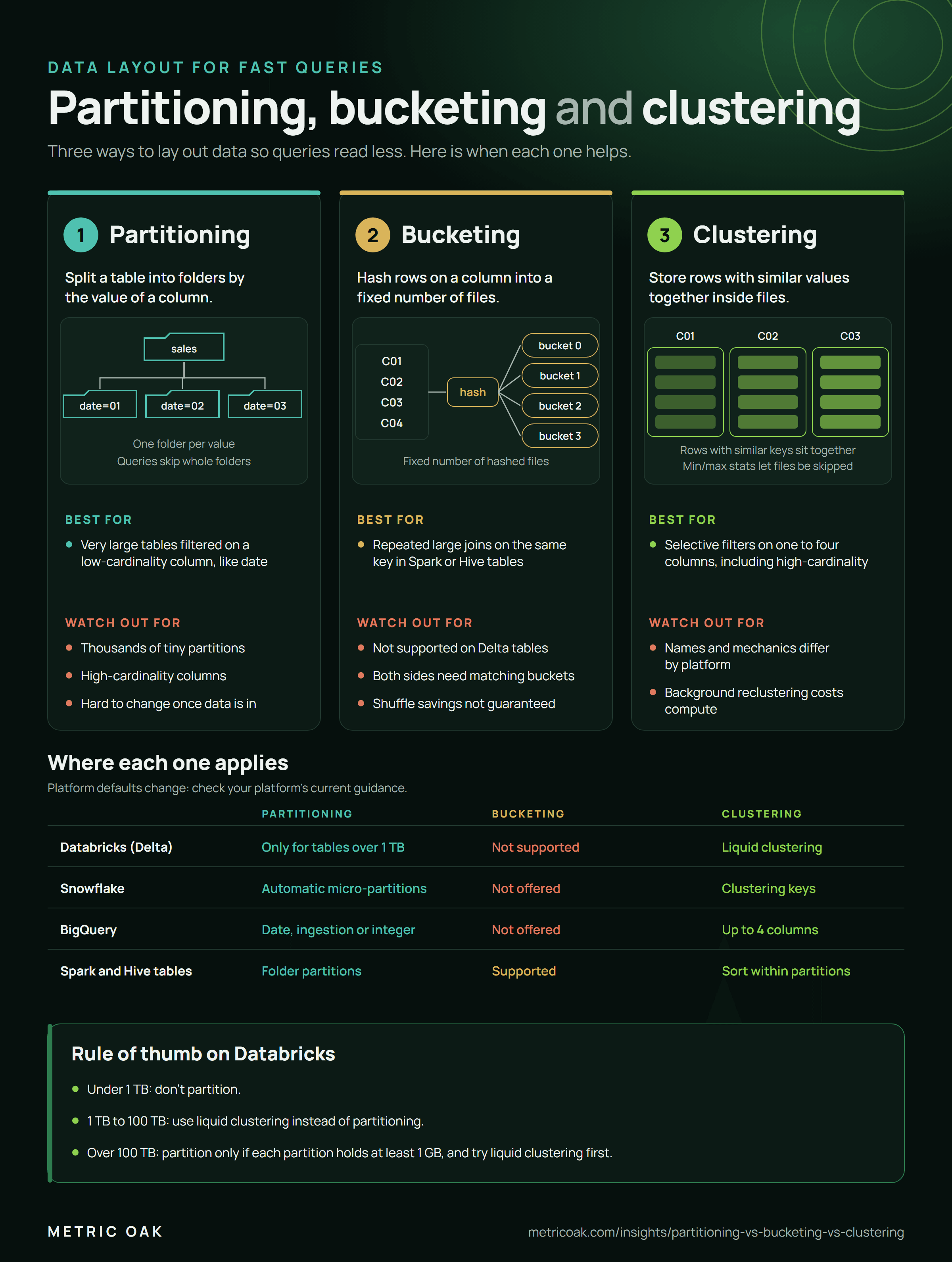
All three techniques do the same job: lay data out so a query reads fewer files. They work at different levels and suit different platforms, and the advice has changed in recent years. Partitioning everything by date used to be the default; on modern table formats it is often the slower choice.
The short answer
- Clustering is the default on modern platforms: liquid clustering on Databricks, clustering keys on Snowflake, clustered tables on BigQuery.
- Partitioning suits very large tables filtered on a low-cardinality column such as date, where each partition stays large. On Databricks that means tables over 1 TB, and only after trying liquid clustering.
- Bucketing only helps repeated large joins on Spark or Hive tables stored as Parquet or ORC. Delta tables don’t support it.
How they compare
| Partitioning | Bucketing | Clustering | |
|---|---|---|---|
| What it does | Splits a table into folders by a column value | Hashes rows on a column into a fixed number of files | Stores rows with similar values together inside files |
| How queries skip data | Skip whole folders | Join matching buckets without a full shuffle | Skip files using per-file min and max statistics |
| Best for | Very large tables filtered on a low-cardinality column, like date | Repeated large joins on the same key | Selective filters on one to four columns, including high-cardinality ones |
| Databricks (Delta) | Only for tables over 1 TB | Not supported | Liquid clustering |
| Snowflake | Automatic micro-partitions | Not offered | Clustering keys |
| BigQuery | Date, ingestion-time or integer range | Not offered | Clustered tables, up to 4 columns |
| Spark and Hive tables | Folder partitions | Supported | Sorting within partitions |
What usually goes wrong
- Partitioning on a high-cardinality column, such as customer ID, creates thousands of tiny files and slows every query.
- Partitioning small tables. Below about 1 TB, the overhead outweighs the skipped data on Databricks.
- Choosing keys without looking at queries. Pick layout columns from the filters and joins that actually run, using query history.
- Forgetting the cost of upkeep. Background clustering on Snowflake and Databricks uses compute. Measure the queries it speeds up against the credits it spends.
The short version
Cluster by default, partition only very large tables on low-cardinality columns, and keep bucketing for Spark or Hive joins outside Delta. Choose keys from real query patterns and recheck them as workloads change.
Related: Delta Lake vs Apache Iceberg, Databricks cluster policies and where data platform costs hide. Our data platform engineering service tunes table layouts on live workloads.
Sources
- When to partition tables on Databricks, Databricks documentation
- Use liquid clustering for tables, Databricks documentation
- Clustering keys and clustered tables, Snowflake documentation
- Introduction to clustered tables, BigQuery documentation
Not sure where your own platform stands? Take the free 3-minute data platform scorecard, or see how we work on Databricks. Unfamiliar terms are explained in the data engineering glossary.