Comparison
Databricks vs Microsoft Fabric: how to choose in 2026
A practical comparison of Databricks and Microsoft Fabric: architecture, who each suits, pricing models, governance, AI, Power BI integration and when to use both.

Hemant Walchale
· 4 min read
Microsoft Fabric and Databricks now overlap enough that many data leaders are asked to pick one. Both offer Spark, SQL and a lakehouse on Delta tables. They are still different products with different strengths, and the right answer depends more on your team and estate than on feature lists.
The short answer
- Choose Fabric if your organization is standardized on Microsoft 365, Azure and Power BI, most of your users are analysts, and you want one SaaS platform with predictable capacity pricing.
- Choose Databricks if engineering and machine learning are central, you run on AWS, Google Cloud or several clouds, you handle large or streaming data, or you want fine-grained control over performance and cost.
- Use both when engineering-heavy teams and a large Power BI community coexist: Databricks for pipelines and ML, Fabric for reporting, sharing Delta tables.
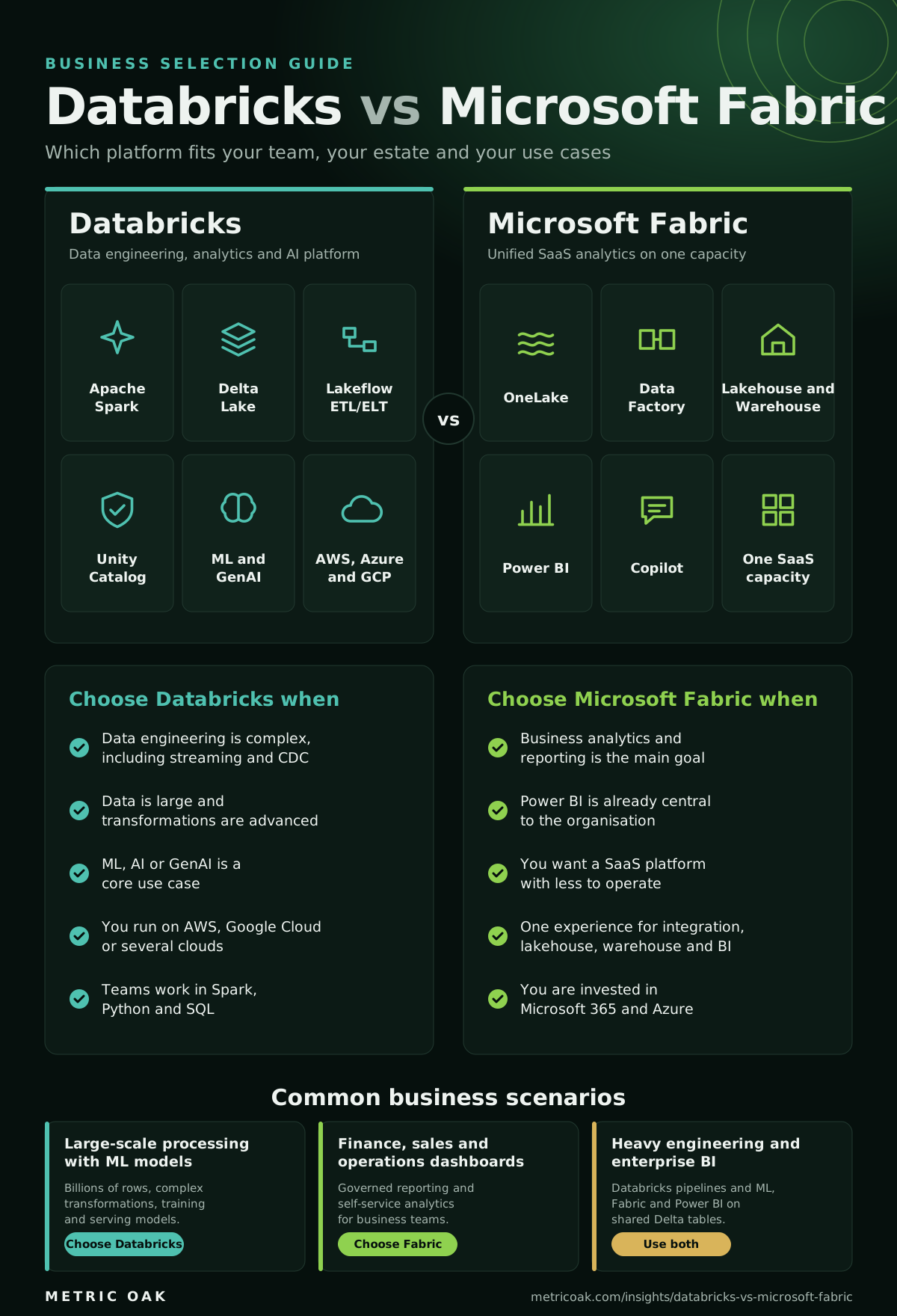
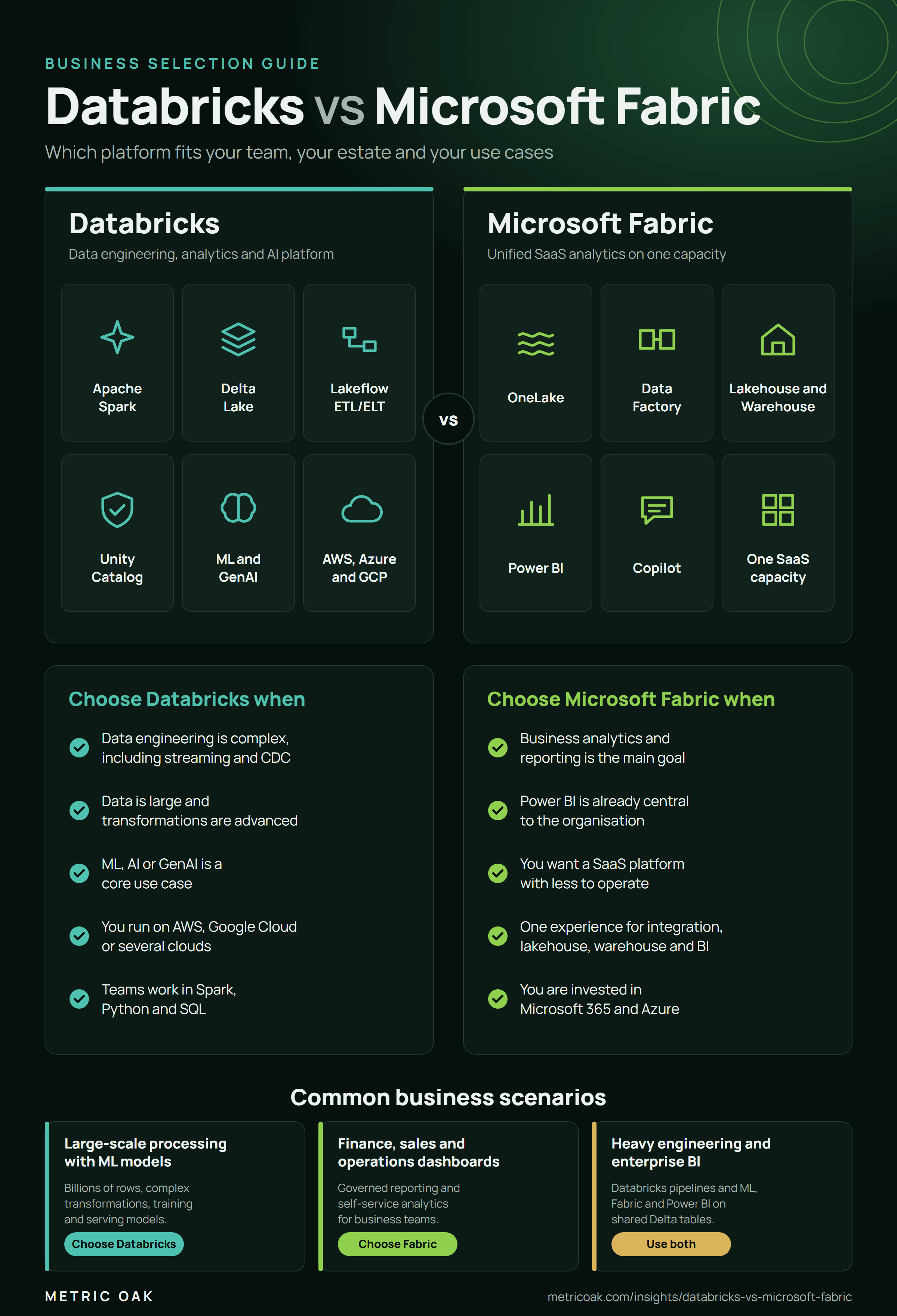
Download the guide as a PNG to share with your team.
How they compare
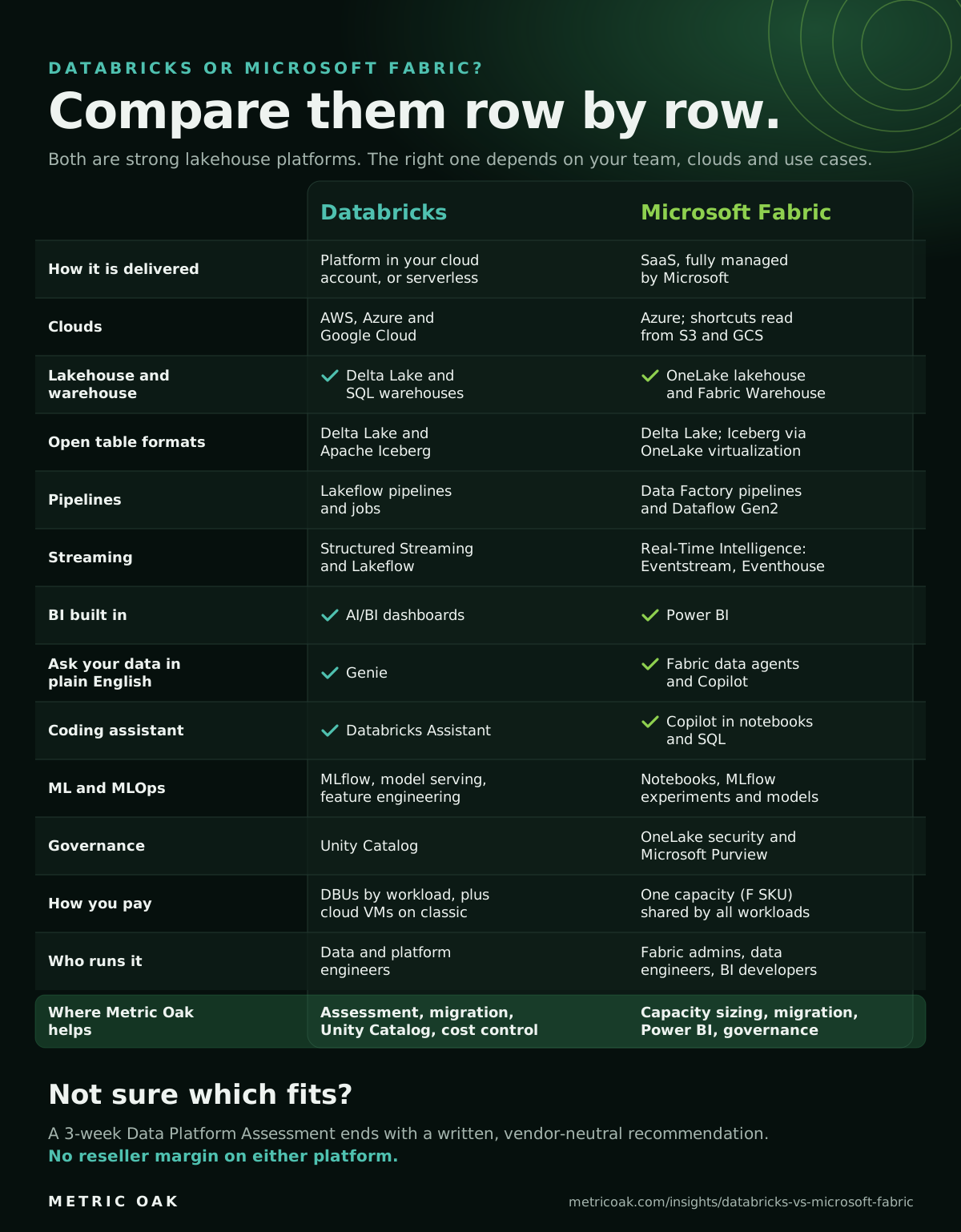
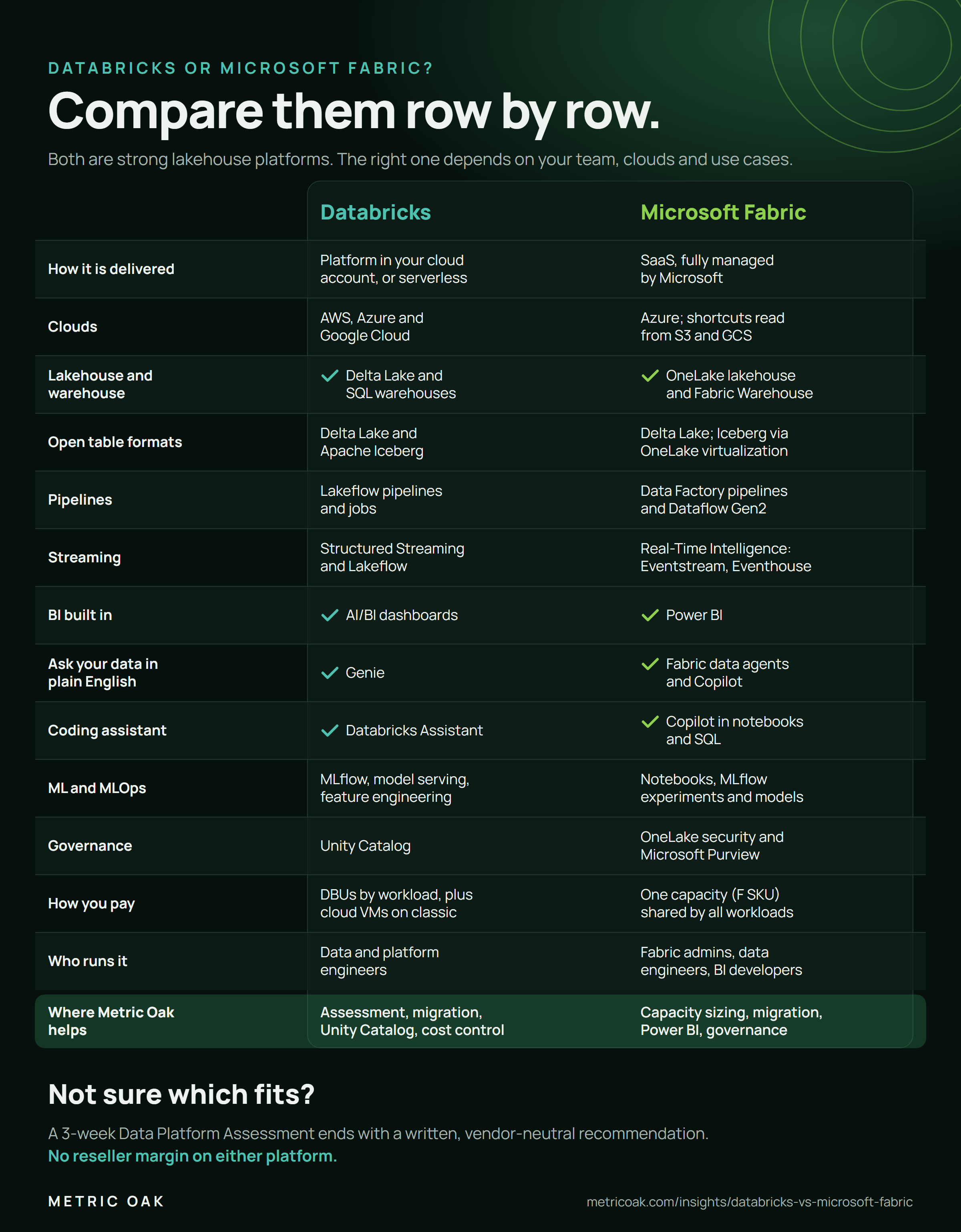
| Databricks | Microsoft Fabric | |
|---|---|---|
| Model | Data and AI platform running in your cloud account (classic) or serverless | SaaS, fully managed by Microsoft |
| Clouds | AWS, Azure, Google Cloud | Azure (OneLake shortcuts can read data in S3 and GCS) |
| Storage | Delta Lake on your cloud storage | OneLake (Delta format) |
| Strength | Data engineering, streaming, machine learning and GenAI | Power BI integration, ease of use for analysts, one product for many roles |
| SQL | Databricks SQL warehouses | Fabric Warehouse (T-SQL) and SQL endpoints |
| Pipelines | Lakeflow Declarative Pipelines, Lakeflow Jobs | Data Factory pipelines, Dataflow Gen2, notebooks |
| Governance | Unity Catalog | Microsoft Purview integration, OneLake security |
| Pricing | Pay per use (DBUs), by workload | Fixed capacity (F SKUs) shared by all workloads |
| Machine learning | MLflow, model serving, feature engineering, agent tooling | Notebooks and Azure AI integration |
What usually decides it
- Who does the work. Python and Spark engineers tend to be more productive on Databricks; SQL and Power BI users on Fabric.
- Your cloud. Fabric is Azure-only. On AWS or Google Cloud, Databricks avoids moving data across clouds.
- Workload shape. Large, spiky engineering workloads favour pay-per-use; steady, shared analytics workloads favour a fixed capacity.
- AI ambitions. Training, serving and governing your own models is more mature on Databricks.
- Existing licences. Organizations already paying for Power BI Premium capacity may find Fabric capacity good value.
Common mistakes
- Choosing on a feature checklist instead of a proof of concept on two or three real workloads.
- Comparing list prices without modelling utilization: an idle Fabric capacity and an untuned Databricks workspace are both expensive.
- Treating it as all-or-nothing when open Delta tables make a split architecture practical.
The short version
Microsoft-standardized, analyst-led and reporting-first points to Fabric; engineering-led, multi-cloud, streaming or ML-heavy points to Databricks; mixed organizations increasingly use both on shared Delta tables. Test on your own workloads before committing.
Try our platform chooser for a quick view, model costs with the cost calculator, or see how Databricks and Snowflake compare for banks and insurers. A Data Platform Assessment ends with a written platform recommendation for your estate.
Not sure where your own platform stands? Take the free 3-minute data platform scorecard, or see how we work on Databricks. Unfamiliar terms are explained in the data engineering glossary.